> ## Documentation Index
> Fetch the complete documentation index at: https://www.onuro.ai/docs/llms.txt
> Use this file to discover all available pages before exploring further.
# Inline Code Edits
> AI-powered intelligent code modifications
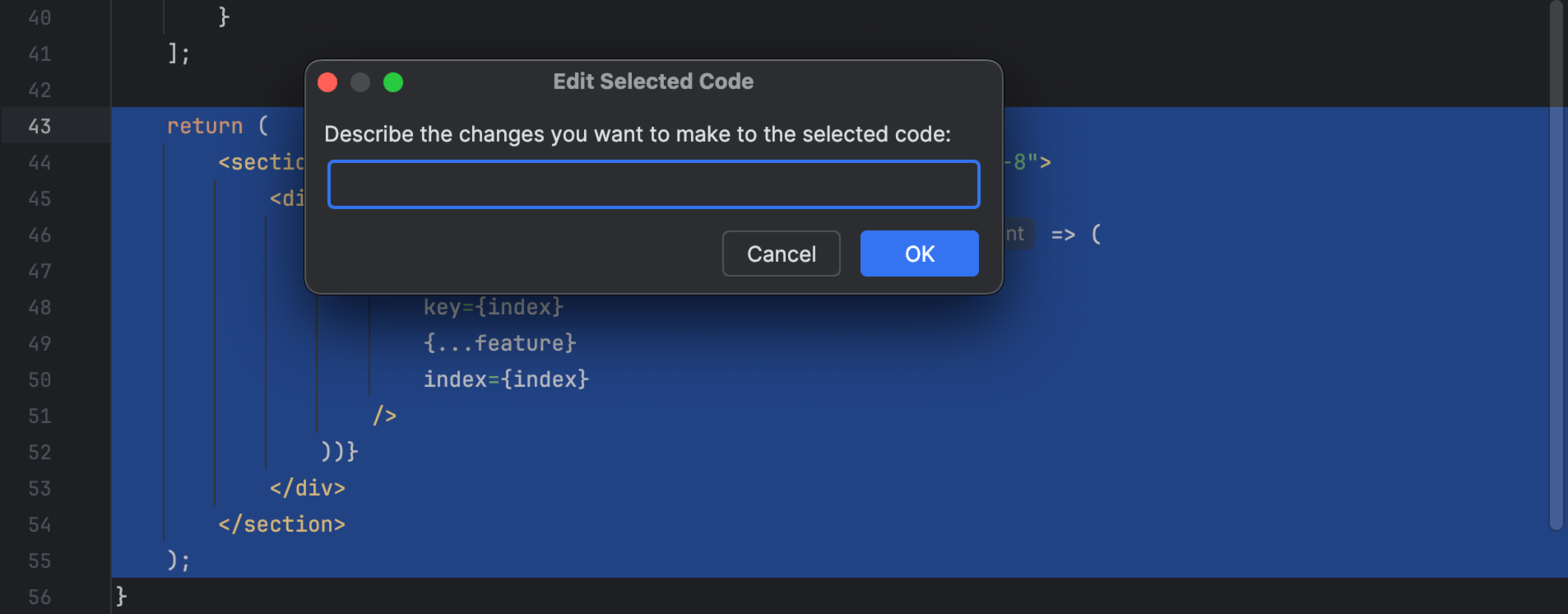
Transform your selected code with AI assistance by highlighting a code range and pressing `Option/Alt + X`. This feature allows you to describe the changes you want to make, and the AI will generate the modified code for you.
## Common Use Cases
* **Refactor functions**: "Convert this to use async/await"
* **Add error handling**: "Add try-catch blocks to this code"
* **Change styling**: "Convert this to use Tailwind classes"
* **Optimize code**: "Make this code more efficient"
* **Add documentation**: "Add JSDoc comments to this function"
## How it Works
1. **Highlight** the code range you want to modify
2. Press `Option/Alt + X` to trigger the inline edit prompt
3. **Describe** the changes you want to make in the text field
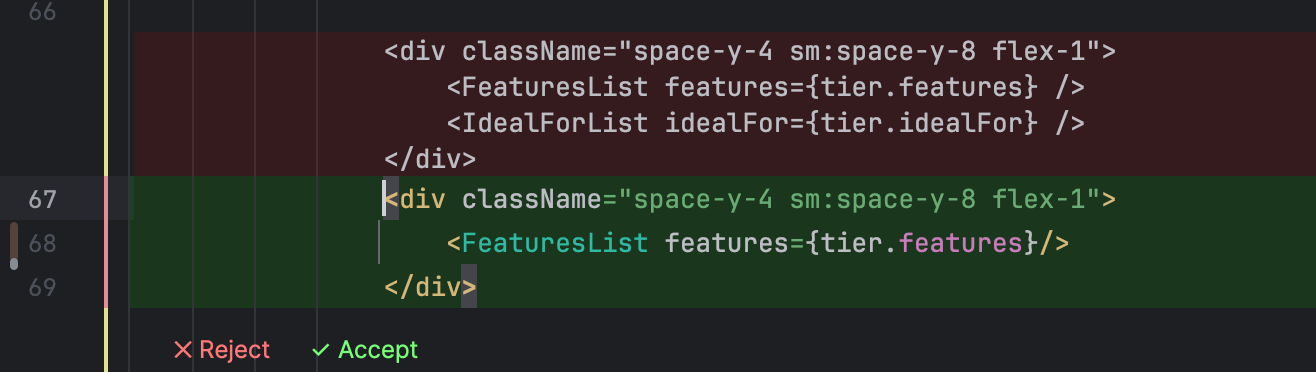
4. Review the AI-generated changes
5. **Accept** or **Reject** the proposed modifications
## Key Differences from Code Completions
* **Inline Code Edits**: Triggered when you have a line range highlighted
* **Code Completions**: Triggered when no line range is highlighted
Both features use the same `Option/Alt + X` shortcut, but behave differently based on your current selection.